Tip
If no properties match your search criteria, the system will display a message: No results for this search.
If no properties match your search criteria, the system will display a message: No results for this search.
To choose a property, click on the Street Address link and continue to the Confirmation Screen. See Confirm the Report Billing Transaction.
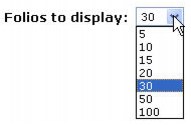
Use the Folios to display selection list to change the default number of properties generated on each page.